Doc Summary

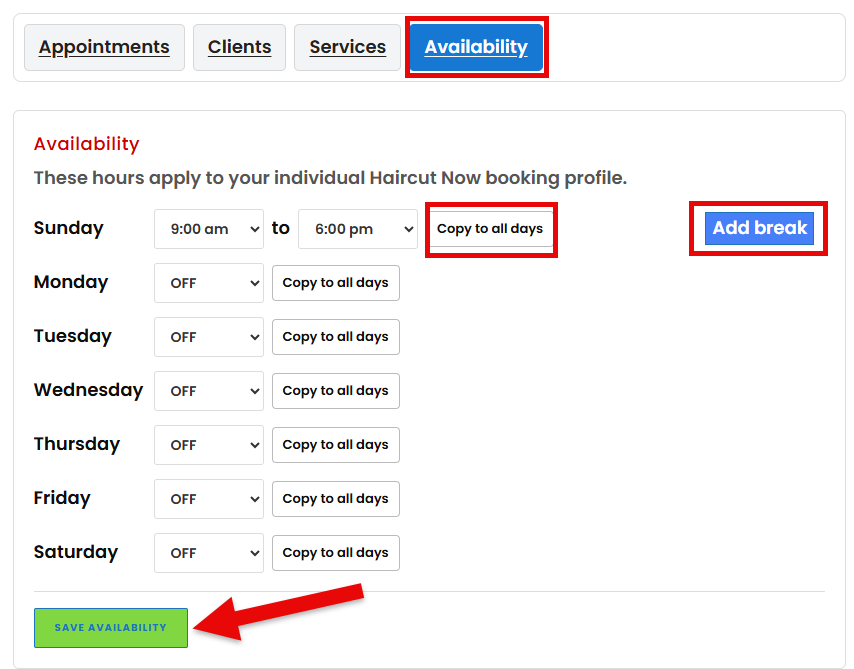
If your booking section appears but clients cannot select a time, start by checking your availability.
Common reasons include:
- No working hours have been added.
- The selected day is outside your normal schedule.
- A break blocks the time.
- You marked the day off.
- Existing appointments already occupy the available times.
- Calendar conflicts are blocking availability.
- Your service duration is longer than the remaining open period.
For example, a 45-minute service cannot be booked into a 30-minute opening.
Review your schedule, appointments, breaks, time off, and connected calendar.
Then test your public listing again as a client.