If you run a small barbershop, a smooth barbershop walk in check in process can make the difference between a calm front desk and a crowded counter. The goal is simple: get each walk-in noted quickly, keep the line fair, and let your team focus on cutting hair instead of sorting who comes next.
For shops that rent chairs or blend booth rent and commission, the best check-in process is the one that fits the way your team actually works. A notebook, a reception desk, and a name-only kiosk can all capture arrivals, but they create very different experiences for the owner, the barber, and the client.
Three common walk-in check-in setups
Before you decide what to use, it helps to compare the three most common approaches small shops lean on.
1) The notebook at the front counter
A paper notebook is the oldest option. A client writes their name, sometimes a time, and maybe a service note. It is familiar and low-tech, but it can get messy fast when the shop gets busy.
- Easy to start with
- No setup cost beyond paper and a pen
- Harder to keep the order clear during a rush
- Someone still has to watch the list and decide who is next
For a booth-rent shop, that often means extra conversation at the counter and more chances for the line to feel uneven.
2) The reception desk check-in
A receptionist or front desk helper can write names down, greet clients, and keep the line moving. This works well when you have dedicated front-of-house help, but it also means the shop depends on a person staying on top of the flow all day.
- Good for shops with a strong front desk routine
- Can feel polished for clients
- Requires constant attention from a person
- Can become a bottleneck when the desk gets busy
If you are trying to keep overhead lean, a reception-desk process may add more coordination than you want for everyday walk-ins.
3) A name-only kiosk
A name-only kiosk is built for a quick check-in. The client enters only their name on a browser-based tablet at the shop, and the walk-in is recorded without app downloads or logins. That keeps the process simple for the customer and easy to repeat all day.
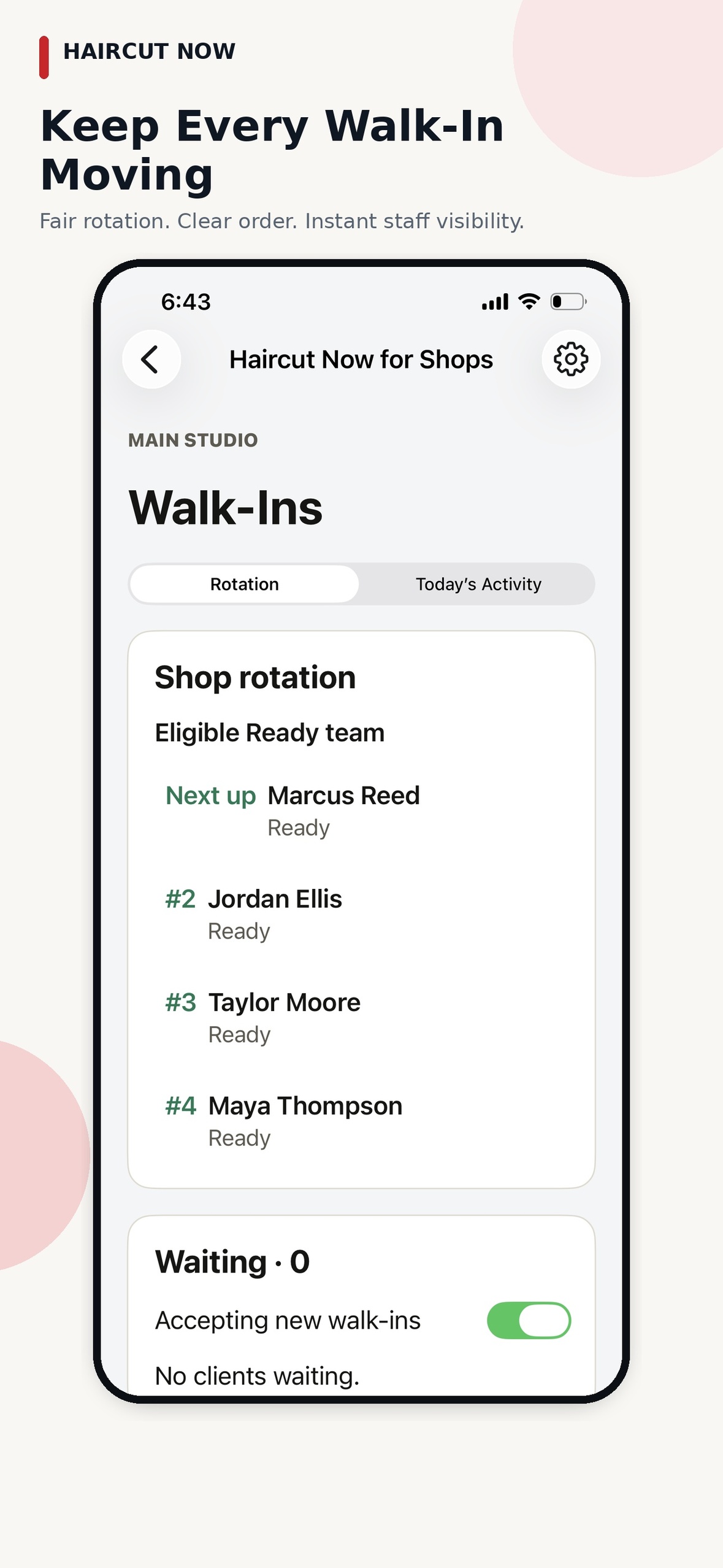
In Walk-In Manager, that kiosk approach connects to a fair staff rotation instead of handing the owner another queue to manage. After the initial shop setup, team members check in when they arrive, and the daily order begins with automated round-robin distribution among eligible, checked-in professionals.
Why fair walk-in distribution matters in a small shop
In a small barbershop, walk-ins can create tension if the process feels informal or inconsistent. One barber may feel overbooked while another waits too long. A fair distribution flow helps protect the shop culture by making the next step clear.
With Walk-In Manager, the next ready, eligible professional receives a mobile offer and chooses Accept or Pass. The queue continues automatically. If an offer is ignored, the system moves on and marks that staff member Busy. When that barber is ready again, they tap Ready.
That matters in a booth-rent shop because each professional still runs their own chair and keeps their own customer relationships. The shop gets a fair walk-in process without forcing everyone into the same external booking style or the same payment method.
What the owner actually has to manage
For many owners, the best part of a simple walk-in check-in process is what it removes from the day. Instead of manually assigning every arrival, you set up the shop once and let the workflow handle the next steps.
Here is what the operational flow looks like in practice:
- The owner or manager completes the initial setup for the shop, team, and eligible services.
- Team members check in when they arrive at the shop, using the approved location-based check-in.
- A walk-in client enters their name at the kiosk.
- The system sends the next offer to the next eligible professional.
- The barber taps Accept or Pass on the mobile offer.
- If no one responds, the system waits the configured 30, 60, or 90 seconds, then marks that person Busy and continues.
- If the client leaves, the barber can tap Walked Out.
That is a much cleaner model than spending the day watching a notebook or standing at the counter to keep the line straight. The owner can still look at reports or step in when needed, but the workflow is designed to keep moving without constant supervision.
How to choose the right process for your shop
If you are deciding between paper, desk-based check-in, and a kiosk, think about your busiest hour, not your quietest one.
- Choose a notebook if you want the simplest possible start and your volume stays very light.
- Choose a reception desk process if you already have someone dedicated to greeting clients and managing the flow.
- Choose a name-only kiosk if you want a cleaner walk-in process with less manual coordination from the owner.
For booth-rent owners, that last option often fits best because it respects each barber’s independence while still giving the shop a fair system for walk-ins. It also helps reduce the awkward “who’s next?” conversation that can slow down a busy morning.
What reports can help you improve the walk-in experience
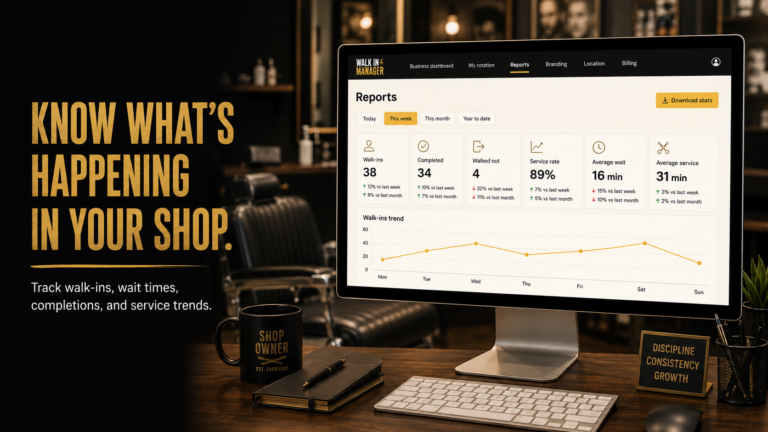
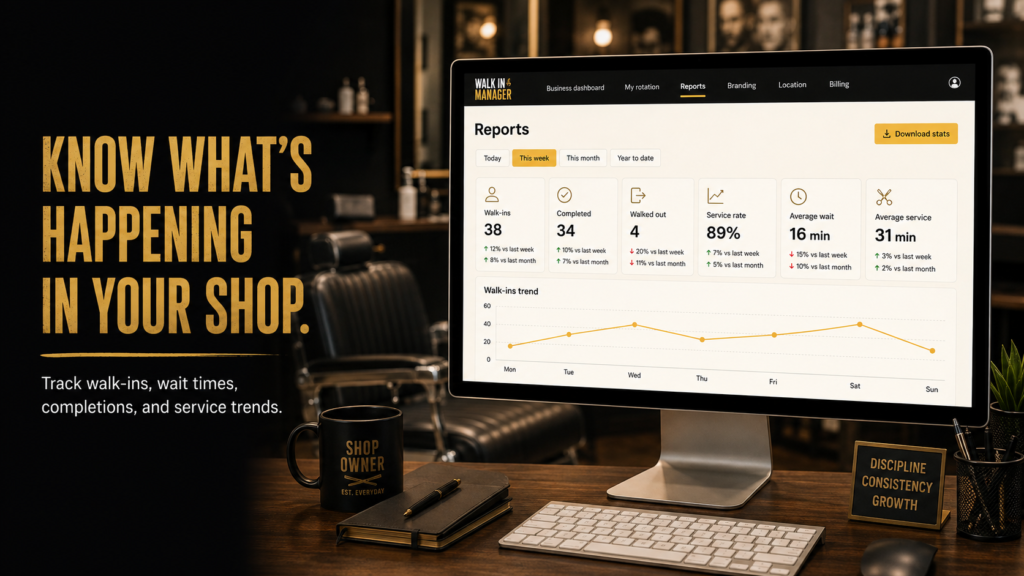
A simple check-in process is useful on its own, but reporting is what helps you improve over time. Walk-In Manager includes reporting on walk-ins, completions, walkouts, wait times, and service trends. It also supports configurable minimum service time and review/rebooking prompts.
That kind of information can help an owner spot patterns such as:
- Which days bring the most walk-ins
- When walkouts happen most often
- Whether the shop needs to tighten the front-end process during peak hours
- Which services are moving quickly and which ones take longer
Those insights are especially useful for independent-chair shops because they help you manage the business without taking away each barber’s personal client flow.
Best practices for a cleaner walk-in check-in process
Even with software, a smooth process still depends on a few shop habits.
- Place the kiosk where arriving clients can find it quickly
- Keep the name entry step obvious and short
- Make sure team members know how to check in when they arrive
- Confirm that barbers understand Accept, Pass, Ready, and Walked Out
- Use service categories only if they help your shop organize eligibility
Those basics keep the workflow straightforward for both clients and professionals. The less friction there is at the front end, the easier it is to keep the whole shop moving.
FAQ
How does a walk-in client check in with Walk-In Manager?
The client enters only their name at the kiosk. The system records the walk-in and sends the offer to the next eligible checked-in professional.
Do I need a receptionist to use this workflow?
No. Walk-In Manager is designed so the shop can operate after setup without daily queue handling from the owner. Team members check in themselves, and the system advances the flow automatically.
Can a barber skip a walk-in offer?
Yes. The barber receives the mobile offer and can tap Accept or Pass. If an offer is ignored, the system continues the queue and marks that staff member Busy.
What happens if a client leaves before service starts?
The barber can tap Walked Out, and the workflow continues for the next eligible professional.
Is this useful for booth-rent shops?
Yes. It is built for booth-rent and commission shops, and it helps independent professionals keep their own business flow while the shop runs a fair walk-in process.
If you want a simpler, fairer way to manage walk-ins without turning the owner into the daily dispatcher, see how the kiosk and staff flow work at Walk-In Manager.